AI Tutor with Sketchpad: Bringing Classroom-Style Learning to Life
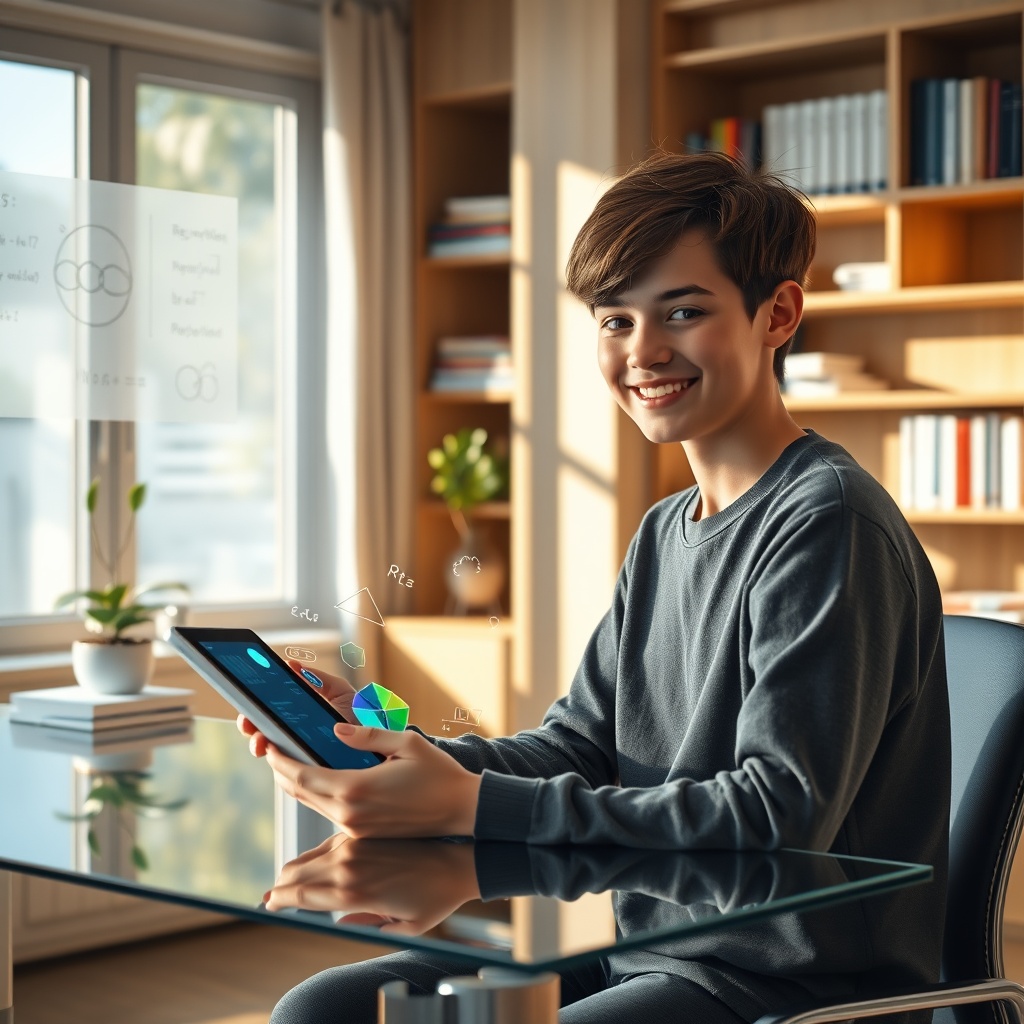
Learning complex concepts can be challenging without the right tools, especially when visual explanations make all the difference. An AI tutor with a sketchpad brings classroom-style learning directly to students—combining real-time drawing with expert guidance. This upgrade makes understanding tricky subjects simpler, clearer, and more engaging.
Overview
Learning complex concepts can be challenging without the right tools, especially when visual explanations make all the difference. An AI tutor with a sketchpad brings classroom-style learning directly to students—combining real-time drawing with expert guidance. This upgrade makes understanding tricky subjects simpler, clearer, and more engaging.
Educational platforms are embracing AI-driven teaching with interactive sketchpads, reflecting a major shift toward richer, more hands-on online lessons. Industry reports reveal that visual tools enhance retention by up to 65%, underscoring why the blend of AI tutoring and live sketching is quickly gaining traction among students and educators alike.
History & Background
The journey began with basic digital tutors—chatbots and automated quizzes—helping students during off-hours. Initially, these tools relied solely on text and static visuals, limiting their effectiveness in explaining subjects that benefit from step-by-step diagrams, such as math or science.
Over time, advancements in AI and touchscreen technology allowed for the integration of dynamic sketchpads into online education. As screen sharing and real-time annotation improved, remote learners finally gained access to the kind of drawing-based instruction once reserved for traditional classrooms.
Benefits
Beyond academics, students gain confidence as they see their ideas visualized instantly. This collaborative approach nurtures curiosity and makes remote learning more human—bridging the emotional and educational gaps often found in digital classrooms.
Applications
Today, students use AI tutors with sketchpads to visualize challenging math problems, diagram scientific processes, and brainstorm with real-time illustrations. Teachers can draw out concepts while the AI explains, mimicking whiteboard sessions even during remote lessons.
One high school piloted AI tutors equipped with sketchpads for geometry classes. Teachers reported increased participation and quicker problem-solving, as the sketchpad allowed students to actively follow the construction of proofs and shapes in real-time—leading to higher test scores and boost in class engagement.
Future
Looking ahead, expect AI tutors with sketchpads to integrate features like interactive overlays, real-time shape recognition, and personalized practice exercises. As AR and VR mature, students may even “walk around” three-dimensional diagrams aided by AI assistants.
As digital classrooms grow closer to the traditional experience, students worldwide can look forward to a future where technology doesn’t just fill gaps—it draws connections. An AI tutor with a sketchpad promises to make learning as interactive, personal, and enjoyable as it’s ever been.