Optimizing Screen Brightness & Break Pattern for Late-Night Study
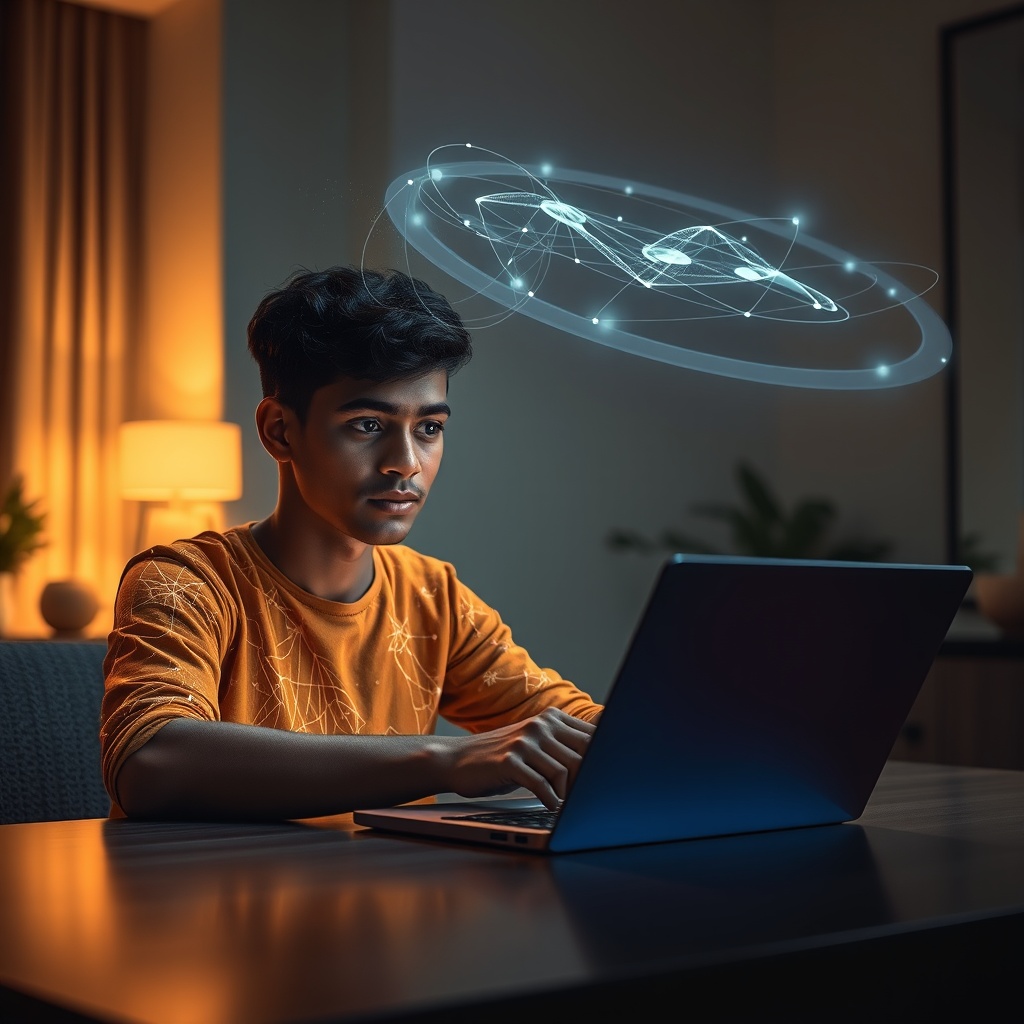
For many Indian students, particularly those preparing for JEE, NEET, or board exams, late-night study isn't an option, but a necessity. Yet, the persistent glare of a laptop or phone screen can lead to burning eyes, headaches, and reduced focus, making that crucial hour between 1 AM and 2 AM less productive. Finding the best screen brightness and break pattern for late-night study is key to making those hours count without sacrificing eye health or sleep quality.
Overview
For many Indian students, particularly those preparing for JEE, NEET, or board exams, late-night study isn't an option, but a necessity. Yet, the persistent glare of a laptop or phone screen can lead to burning eyes, headaches, and reduced focus, making that crucial hour between 1 AM and 2 AM less productive. Finding the best screen brightness and break pattern for late-night study is key to making those hours count without sacrificing eye health or sleep quality.
The human eye is not designed for prolonged exposure to blue light in low-light conditions, which is common during late-night study sessions. This can disrupt melatonin production, making it harder to fall asleep even after closing the books. Recognising these challenges, tools like YoLearn AI integrate seamlessly into a healthy late-night study routine, offering support that minimises strain and maximises learning during critical hours.
History & Background
Early digital learning aids paid little attention to user ergonomics, often presenting content on bright, stark white backgrounds. The focus was purely on information delivery. With the rise of smartphones and tablets as primary study devices, the issue of screen-induced eye strain, especially during extended use, became more pronounced.
This led to the introduction of features like "Night Shift" modes on iOS and "Blue Light Filters" on Android, which automatically adjust screen warmth based on time of day. More advanced approaches now consider dynamic brightness adjustments based on ambient light sensors, evolving beyond static settings to context-aware interfaces that support optimal viewing conditions, including for tools like YoLearn AI.
Benefits
Reduced Eye Strain: Proper brightness and blue light filtering prevent dry eyes, blurred vision, and headaches common with prolonged screen use in dim environments. Improved Sleep Quality: Minimizing blue light exposure in the hours before bed helps maintain the body's natural melatonin production, leading to more restorative sleep. Sustained Focus: Regular, short breaks (e.g., following the 20-20-20 rule: every 20 minutes, look at something 20 feet away for 20 seconds) prevent mental fatigue and enhance concentration over longer study sessions.
24/7 Support Without Added Strain: When Late-Night Doubts? YoLearn.ai 24/7 AI Tutor Has You Covered, providing immediate help that keeps study flow going without searching for answers online, which can often lead to less eye-friendly interfaces. Optimized Study Flow: YoLearn AI's ability to generate flashcards or summaries for quick review fits perfectly into structured break patterns, making each minute of study, and rest, count. Personalized Study Rhythm: Leveraging the AI mentor feature, students can Build Your Perfect Study Rhythm with YoLearn.ai’s CBSE Study Rhythm Builder, incorporating optimal screen settings and break reminders directly into their personalized study plan.
Applications
NCERT Revision: A Class 10 student reviewing "Life Processes" at 1 AM can enable dark mode on their device and set brightness just above ambient light levels to reduce glare while still clearly seeing diagrams. JEE Problem Solving: An aspirant working through complex Mechanics problems can use a 25-minute study/5-minute break cycle, stepping away from the screen completely during breaks to rest their eyes. University Project Research: A college student compiling research papers can adjust their monitor's colour temperature to a warmer hue to reduce blue light emission, preventing eye fatigue during extended reading.
Voice Conversations for Doubts: Instead of staring at text solutions for complex problems, a student can use YoLearn AI's real-time voice conversations to discuss concepts like integration by parts, reducing direct screen interaction. Instant Quizzes in Micro-Breaks: During a 5-minute break, a student can quickly generate and attempt a short quiz on YoLearn AI related to their last study topic, keeping the brain engaged without intense screen focus. AI NCERT Assistant with Custom Views: When revising topics like "Chemical Reactions and Equations," students can use YoLearn AI's NCERT assistant to get summaries or mind maps, often presented with adjustable themes that suit low-light viewing, further enhancing the utility of their YoLearn.ai Late-Night Study Buddy: Your Personalized After-Hours Learning Companion.
Future
Future advancements in screen technology and software will likely focus on even more intelligent adaptive displays. This includes ambient light sensors that not only adjust brightness but also colour temperature dynamically based on the user's specific activity (e.g., reading text vs. watching video) and their individual eye fatigue indicators, possibly even through eye-tracking sensors.
YoLearn AI is moving towards a more adaptive learning environment that considers the student's holistic well-being, even during late-night sessions. Imagine an AI tutor that subtly suggests a break based on detected usage patterns, or automatically adjusts its interface contrast to match ambient light, making your late-night study sessions with YoLearn AI smarter and gentler on your eyes. Download YoLearn AI today: https://play.google.com/store/apps/details?id=com.yolearn.student&hl=en_IN