Common Mistakes in Class 12 Engineering Drawing Practical
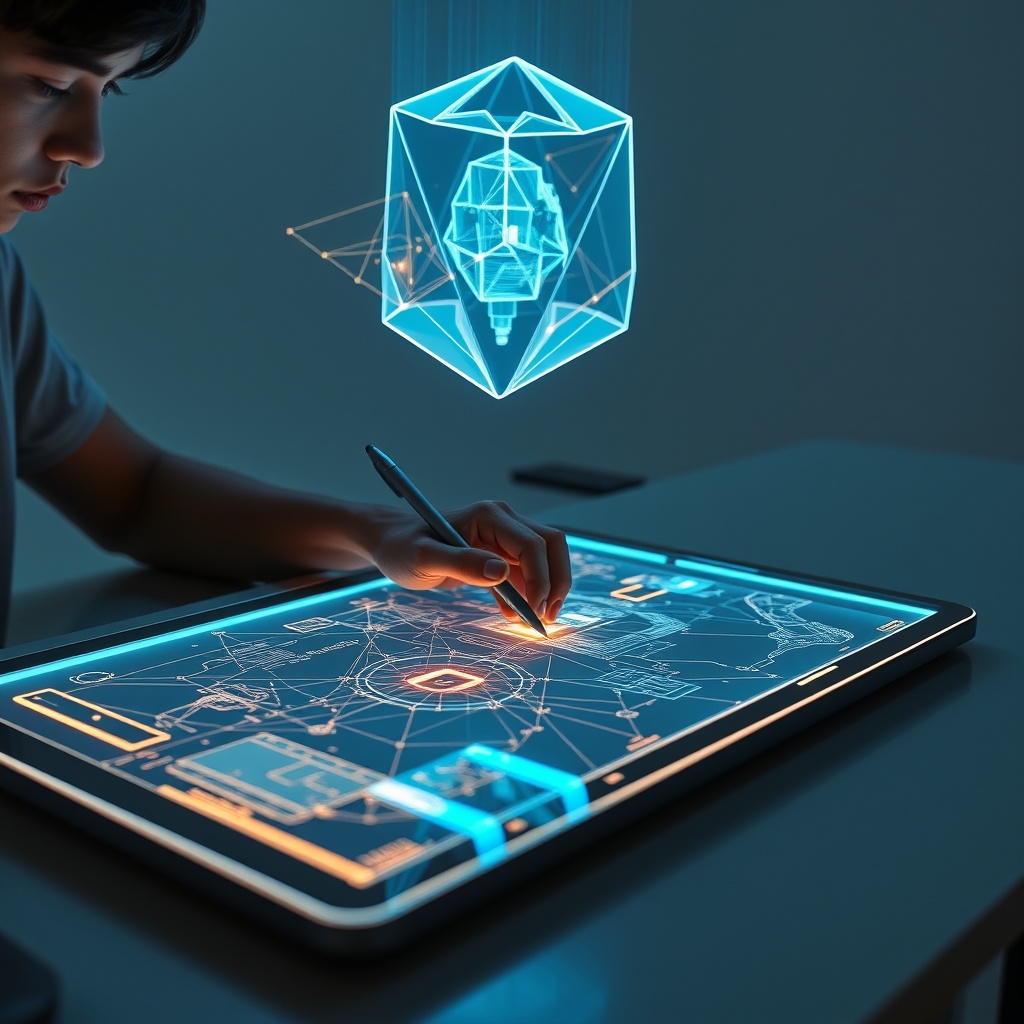
Many Class 12 students find the Engineering Drawing Practical challenging, often losing crucial marks not due to lack of effort, but subtle errors in application. A frequent issue arises with orthographic projections: misinterpreting the orientation of an object, like a hexagonal prism, can lead to incorrect front, top, and side views, especially when dealing with inclined surfaces or auxiliary planes.
Overview
Many Class 12 students find the Engineering Drawing Practical challenging, often losing crucial marks not due to lack of effort, but subtle errors in application. A frequent issue arises with orthographic projections: misinterpreting the orientation of an object, like a hexagonal prism, can lead to incorrect front, top, and side views, especially when dealing with inclined surfaces or auxiliary planes.
Beyond projection errors, students commonly struggle with adhering to standard dimensioning practices or accurately converting 2D views into a proper isometric drawing. This gap between theoretical understanding and precise execution often leaves students feeling stuck. YoLearn AI directly addresses these specific practical hurdles, providing immediate guidance when traditional resources are unavailable.
History & Background
Historically, learning Engineering Drawing involved hours with a physical drawing board, T-square, and set squares, alongside a teacher providing direct, often one-on-one, feedback. Error correction was manual and iterative; a student might spend an entire period correcting one incorrectly dimensioned drawing, waiting for the teacher to pinpoint the specific mistake in a complex projection.
The advent of digital tools brought CAD software for professionals, but practical education often remained rooted in manual methods. The shift for students began with online tutorials demonstrating techniques. Now, AI-powered tools like YoLearn AI integrate visual feedback directly into the learning process, evolving from static video demonstrations to interactive systems that can analyze a student's own drawing attempt.
Benefits
Precision and Accuracy: Regular feedback on drawing techniques helps develop the critical precision required for correct projections and constructions. Conceptual Clarity: Understanding *why* a particular line is hidden or *how* an isometric circle is drawn improves theoretical grounding. Adherence to Standards: Consistent application of dimensioning rules and drawing conventions (like those covered in CBSE Class 12 Notes for technical subjects) avoids arbitrary mistakes.
Immediate Error Identification: YoLearn AI's photo doubt solving feature can highlight specific mistakes on a student's drawing instantly, such as misaligned views or incorrect hatching, saving hours of self-doubt. Concept-to-Application Bridging: Voice conversations can clarify theoretical concepts, like auxiliary views, then immediately relate them to how they translate onto the drawing sheet, essential for Unlocking Success with an NCERT AI Tutor for Class 9–12 Students. Targeted Practice: Students can generate specific practice questions on areas they struggle with, like drawing development of surfaces for a cone, improving weak points efficiently.
Applications
A student photographs their hand-drawn orthographic projection of a machined part, seeking validation on the placement of hidden lines or section planes. While practicing isometric drawing, a student needs to quickly verify if they've correctly applied the isometric scale to represent a circular hole. A student revises for the practical exam and wants to test their understanding of different types of sectioning for a complex assembly, generating relevant practice problems.
Photo doubt solving: A student can snap a picture of their partially completed drawing for immediate feedback on common errors like inconsistent line weights or incorrect projection angles. Real-time voice conversations: A student struggling to differentiate between first-angle and third-angle projections can vocalize their confusion and receive step-by-step conceptual clarification. Instant quizzes: Generate a quick quiz on the symbols for limits, fits, and tolerances after reviewing a complex assembly drawing, reinforcing standard notation.
Future
The future of Engineering Drawing education will likely integrate augmented reality (AR) where students can overlay virtual 3D models onto their 2D drawings, allowing them to instantly check their projections against the actual object and identify discrepancies with unprecedented clarity.
YoLearn AI is constantly evolving to make practical subjects more interactive. Imagine snapping a photo of your drawing, and YoLearn AI not only identifies errors but also shows an animated sequence correcting them directly on your screen. For all CBSE Class 12 students aiming for perfection in their Engineering Drawing Practical, try YoLearn AI on your next drawing assignment: https://play.google.com/store/apps/details?id=com.yolearn.student&hl=en_IN